Burrow: a free, open-source Mac cleaner that started as a Claude artifact
By José Antonio Mijares | 2026-11-26 | 4 min read
José, our founder, built Burrow, a Mac cleaner that shows you every file before it deletes anything. It's free and open source, it runs on Mole by tw93, and it went from a Claude artifact to a signed Mac app. What it does, the rules it won't break, and how he got there.
Our Macs fill up, and macOS never explains why. At Jamak, we use AI coding agents all day, and they leave a lot of hidden clutter behind: old git worktrees, build folders, extra Node versions, and gigabytes of swap.
So José, our founder, built Burrow: a Mac cleaner that shows you every file before it touches anything. It's free, it's open source under the MIT license, and you can download it from GitHub.
What it does
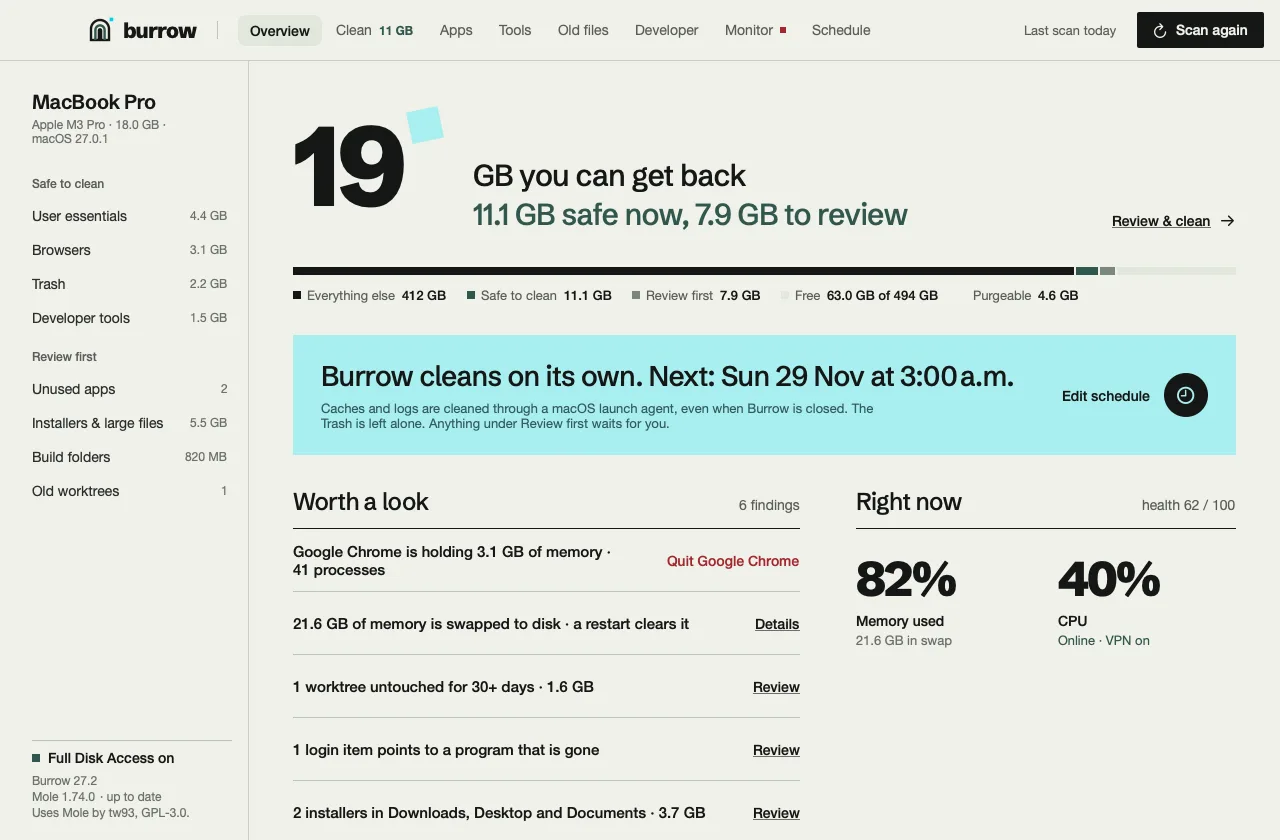
Burrow is a native Mac app with eight tabs. It shows how much space you can reclaim, lists every app with its size and when you last opened it, and tracks memory, processes, network, and battery. For technical setups, it also finds old worktrees and build folders, and puts developer tools (Homebrew, npm, pipx, uv, cargo, and nvm) in one list. It sits in the menu bar and runs a weekly cleanup, even when the app is closed.
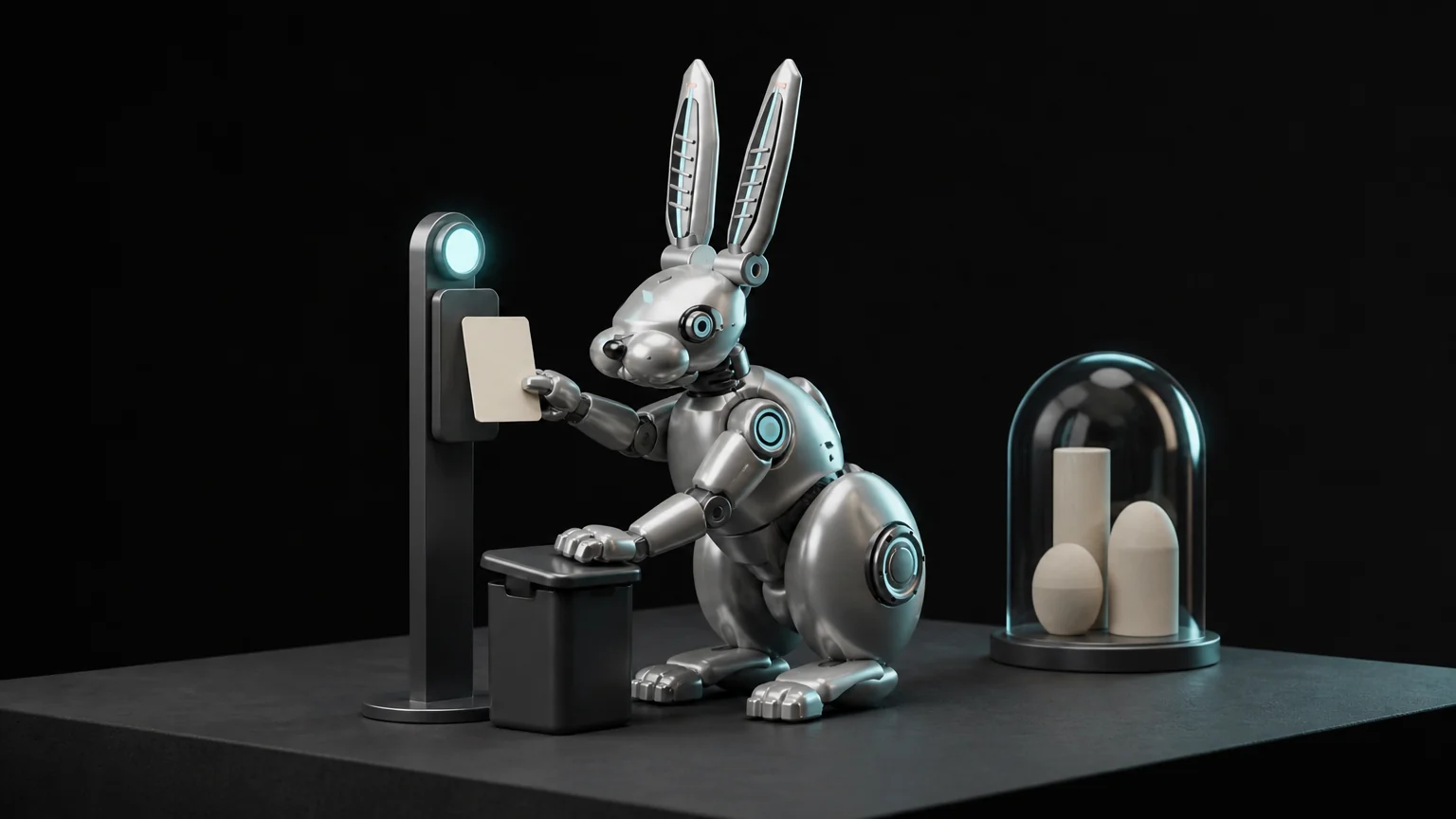
The cleaning engine isn't José's. It's Mole, the open-source cleaner by tw93, with more than 75k stars on GitHub. Burrow runs Mole as a separate program, without changing its code, and builds the app around it: the previews, the menu bar, the schedule and the safety rules. tw93 also sells an official app, Mole for Mac. Burrow isn't affiliated with it.
The rules it won't break
A cleaner has one job: don't delete the wrong thing. Burrow is built around that.
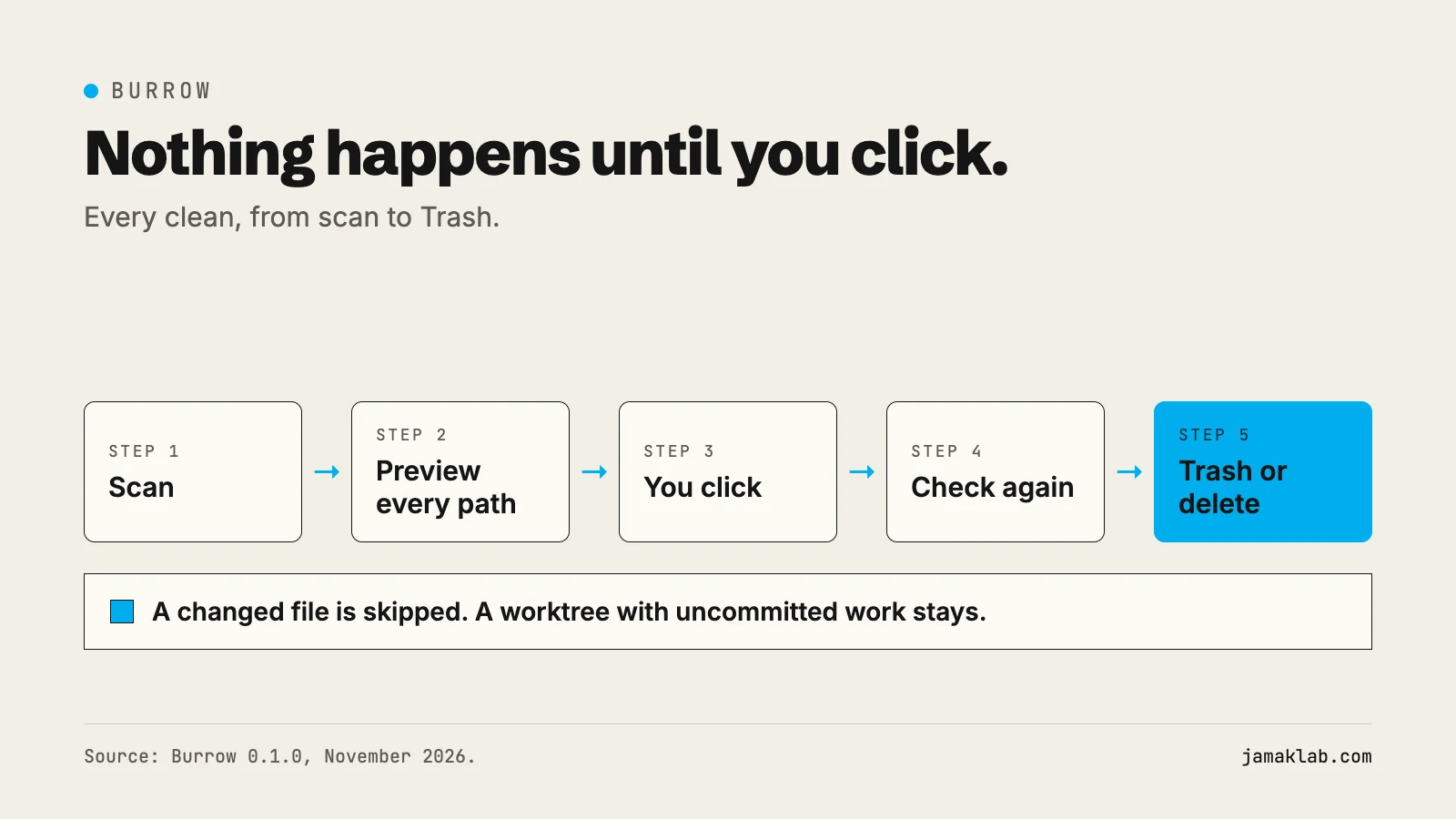
- Nothing without a preview. Before anything happens, Burrow shows every file path, its size, and the exact command it will run.
- The Trash first. Most things go to the Trash so you can put them back. Caches are deleted because apps rebuild them, and tools are removed by their own uninstaller.
- A list it never touches. iCloud, Photos, Mail, Messages, Keychains, SSH keys,
.envfiles, and your agents' memory stay completely off-limits. You can't even select them. - One more check. Right before acting, Burrow checks everything again. Any file that changed is skipped, and a worktree with uncommitted code changes stays untouched.
From Claude artifact to Mac app
This part matters to us, because it's how we like to build, and it's the same loop we use on client work with Claude Code Projects.
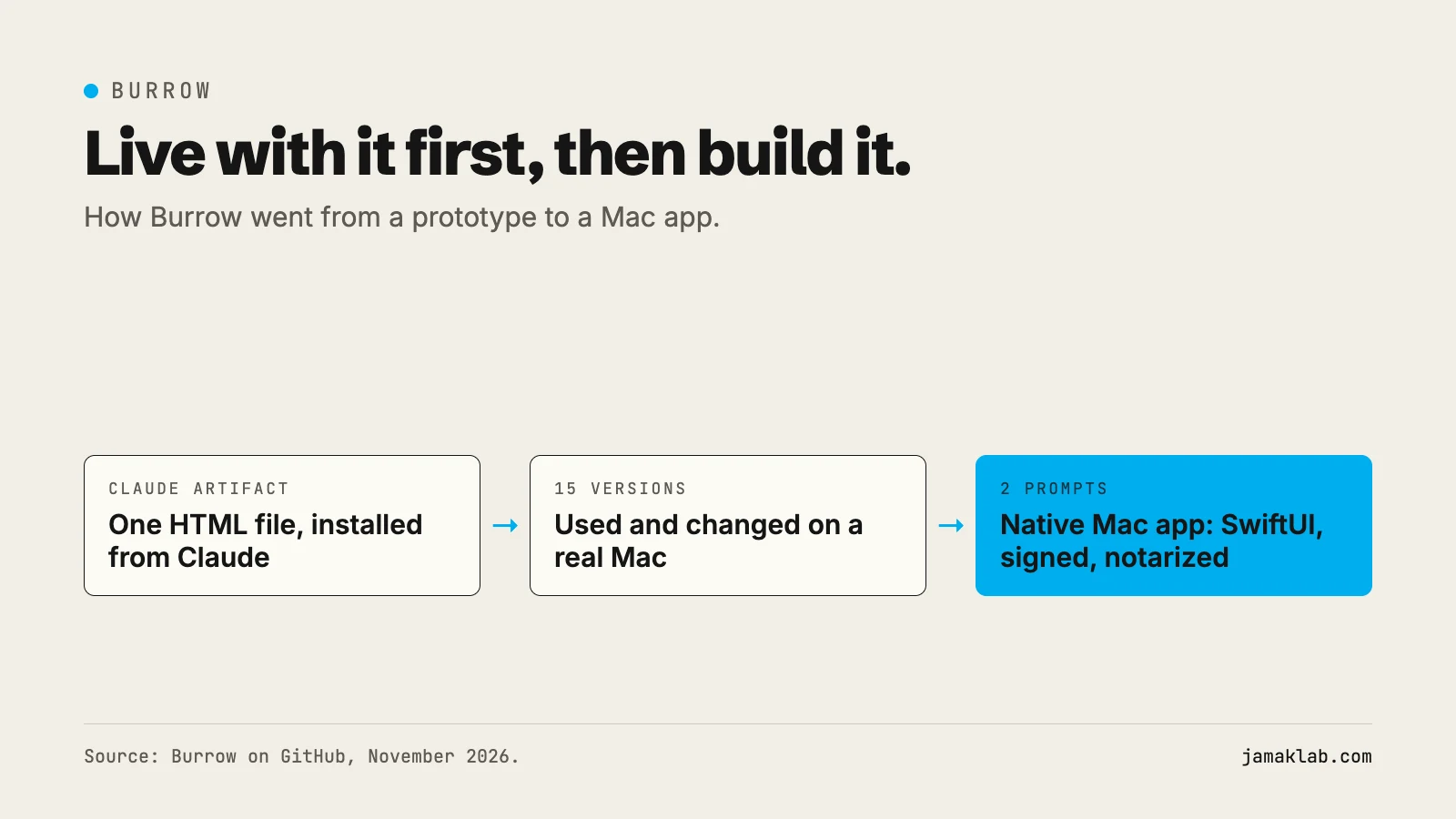
Burrow started as a Claude artifact, a single HTML file that José installed directly from Claude as an app on his Mac. Even in that early form, it ran Mole, scanned folders, sat in the menu bar, and sent notifications. He kept using and refining it across fifteen versions until the scans and rules felt right.
Then he asked Claude to turn that prototype into a native Mac app. Just 2 prompts later, he had one: built in SwiftUI, signed and notarized by Apple, and able to update itself.
The prototype wasn't a mockup. It was a working app he used on his own Mac, so by the time it became a real one, the hard decisions were already made.
Try it
Burrow is still at version 0.1.0, so expect bugs. It needs macOS 14 or newer and Mole, which Burrow installs for you through Homebrew (a popular installer for Mac tools). It will ask for Full Disk Access; if you say no, it still works and just scans fewer folders.
- Download: github.com/joseamijares/burrow/releases/latest
- Code: github.com/joseamijares/burrow
- José's notes on building it: My Mac was full of stuff my AI agents left behind
If you try it, tell us what it found on your Mac.
Frequently Asked Questions
Q: Is Burrow free?
Yes. Burrow is free and open source under the MIT license. You can download the signed, notarized app from its GitHub releases page and read all of its code.
Q: Is Burrow safe to use?
When you clean manually from the app, Burrow shows each file path, its size, and the command that will run, and nothing happens until you click. If you turn on the weekly schedule, that cleanup runs on its own, so review what's selected before enabling it. Most files go to the Trash so you can restore them, and any worktree with uncommitted work stays untouched. Burrow also never touches iCloud, Photos, Mail, Messages, Keychains, SSH keys, .env files, or your agents' memory. Keep in mind that it is version 0.1.0, so expect bugs.
Q: Does Burrow need Mole?
Yes. Mole by tw93 is the cleaning engine. Burrow runs it as a separate program, without changing its code, and installs it for you with Homebrew if it's missing. Burrow isn't affiliated with tw93's paid Mole for Mac app.
Q: Which Macs does Burrow run on?
Burrow needs macOS 14 or newer. It asks for Full Disk Access; if you say no, it still works and just sees fewer folders.
Q: Can Burrow clean up old git worktrees and build folders?
Yes. The Developer tab finds old git worktrees and build folders, and a worktree with uncommitted work is never removed.