Pricing Page Psychology: What Actually Converts in 2026
By José Antonio Mijares | 2026-01-10 | 6 min read
Pricing pages fail when they hide the choice. Three tiers, a recommended option, features as outcomes. No invented lift numbers.
Pricing Page Psychology: What Actually Converts in 2026
Your pricing page is where interest becomes a decision. Most pages make that decision harder: too many options, features instead of outcomes, no recommended tier, and a “Contact sales” wall after the prices.
We will not quote a lift we cannot source. No Acme Corp. No “real A/B test data” we did not run on your page. The patterns below are how people choose. Test them on your traffic.
Why pricing pages fail
- Too many options: the visitor cannot pick.
- Features, not outcomes: “unlimited API calls” is not a reason to pay.
- No clear recommendation: they do not know which tier is for them.
- Missing trust: a high price with no named proof.
- Friction at the end: prices, then a form, then a wait.
The psychology, without fake results
Anchoring
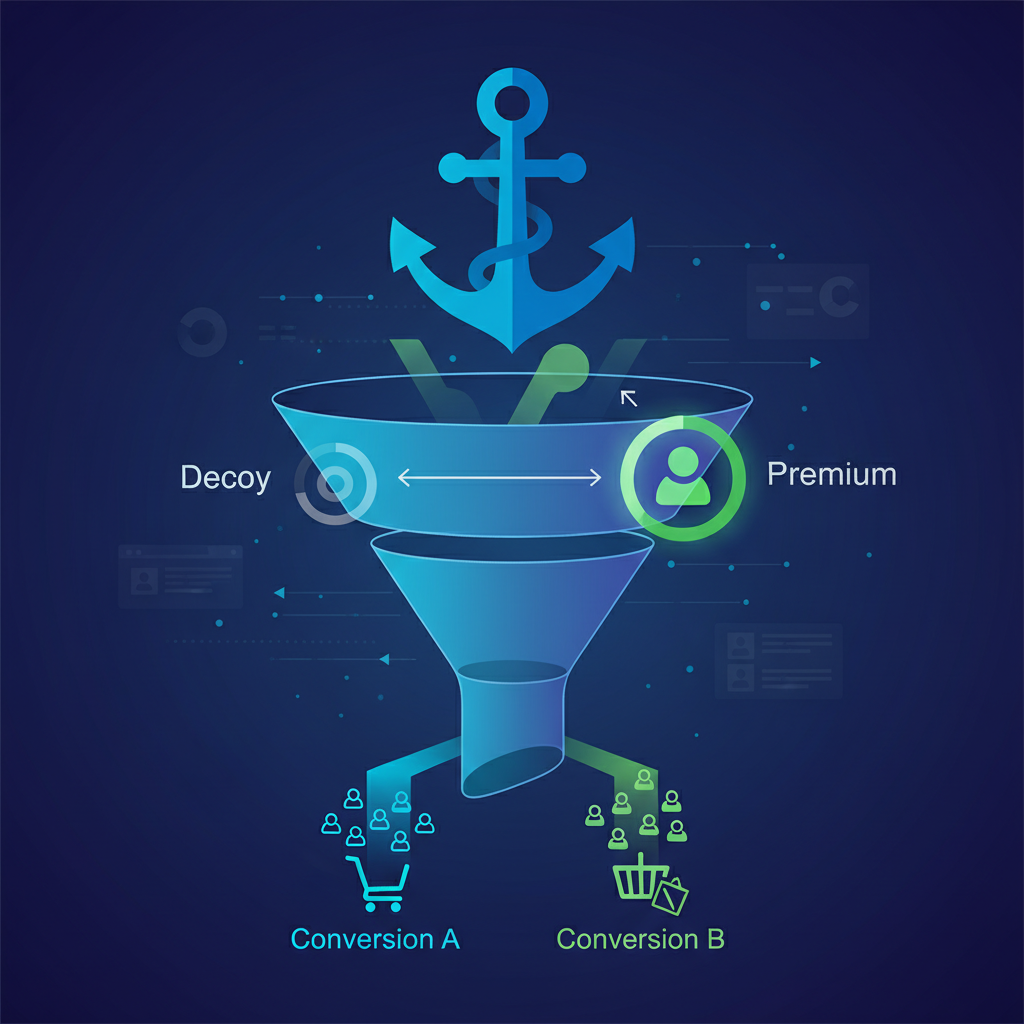
The first price someone sees becomes the reference. Lead with the highest honest tier you sell, or an enterprise row that is a real conversation. The mid-tier then has something to sit under. Do not invent a decoy price you will not honor.
The decoy
A slightly worse option can make the target tier look like the obvious value. Only add a tier if it is a real plan. A fake middle row is a lie the page has to keep.
Loss aversion
People weigh a loss harder than a gain. “Never lose a file” is clearer than “unlimited storage.” Use this on real failures, not invented ones.
Social proof
At the moment of purchase, doubt peaks. Named customers, dates, and outcomes you can stand behind. Not “Acme Corp increased conversions 47%.” Not “thousands of happy customers.”
The page
1. Value above the fold
Remind them what they are buying before the numbers. Outcome, then the offer. Not a slogan.
2. Three tiers, maximum
Starter, the recommended plan, enterprise. More than three is usually a product problem, not a layout problem.
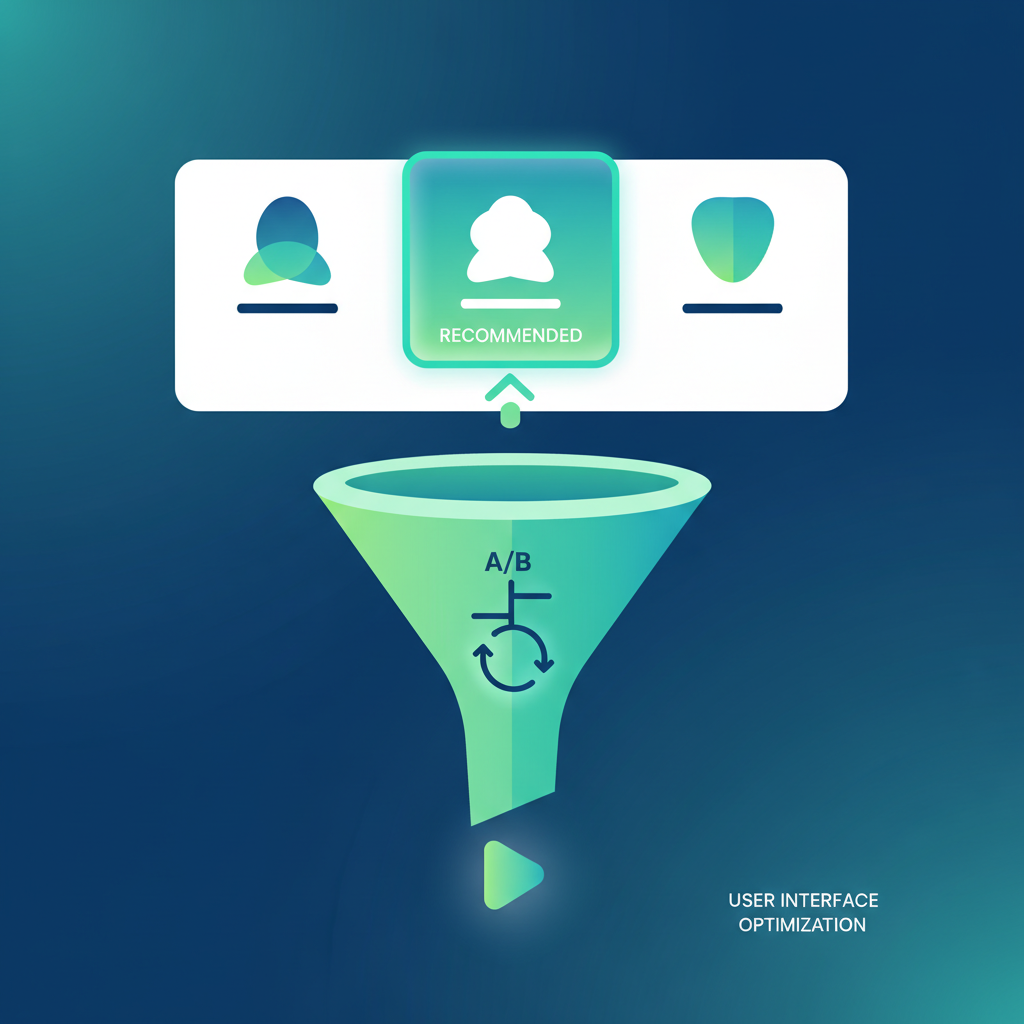
3. Highlight the recommended option
A larger card, a “Most Popular” or “Best Value” label, a default selection. Make the choice obvious. Then measure whether that tier is the one people actually pick.
4. Features as outcomes
| Weak (feature) | Strong (outcome) |
|---|---|
| 10 user seats | Your whole team, one price |
| Advanced analytics | Know what is working |
| Priority support | Answers in hours, not days |
| API access | Connect to tools you already use |
5. Show the numbers
Hide prices only when the deal is genuinely custom. For self-serve, “Contact sales” is a wall. If you hide prices because a competitor might see them, that is a positioning problem.
6. Reverse the risk
A trial, a refund window, a cancel path you actually honor. Write the policy in the same words you use in support.
7. FAQ on the money page
Answer the objections that stop the sale. Visible text must match the FAQ schema. Three to five real questions.
What to test first
Test on your page. Do not import someone else’s percentage.
- Number of tiers: do you need all of them?
- Is the recommended option obvious?
- Outcomes vs. features
- CTA copy
- Where the named proof sits
Checklist
- Value proposition above the fold
- Three tiers maximum
- Recommended tier highlighted
- Features framed as outcomes
- Prices visible unless the deal is custom
- Risk reversal you honor
- Social proof that is specific and true
- FAQ that matches the schema
- CTA that says the next step
- Mobile checked
Frequently Asked Questions
Q: How many pricing tiers should I offer?
Three at most. Starter, a recommended plan, and enterprise. More than three usually means the product is unclear, not that the page needs another card.
Q: Should I hide pricing behind “Contact sales”?
Only when the deal is custom: implementation, scope, or a contract that cannot be a self-serve number. For a product people can buy alone, show the price.
Q: What should I test first on a pricing page?
Whether the recommended tier is obvious. Then the number of tiers, outcome vs. feature copy, and the CTA. Measure on your traffic. Do not ship a “34% lift” you read on someone else’s page.
Q: Where does this sit next to conversion work?
The pricing page is a conversion page. The same discipline as the rest of CRO: one change, a real sample, no invented proof.
Key Takeaways
- Make the choice easy: three tiers, one recommendation, outcomes not jargon.
- Show the price unless the deal is custom.
- Proof has to be true: named, dated, and yours. No Acme. No borrowed lift.
- FAQ matches the page: visible questions, matching schema.
- Test on your traffic: CRO is the work, not a screenshot of someone else’s result.
Want the pricing page read as a conversion page? CRO at Jamak.